When we think saturation, we typically think drums and vocals as the main two targets in terms of types of audio which can benefit from this effect. While it certainly doesn’t need it across the board every time, but I actually like to use bass saturation in a couple of specific instances to correct a couple of issues. With that in mind, let’s talk how to use saturation on bass.
Bass Saturation

For a quick refresher (and I go into more detail on it in my overview of what does saturation do), saturation is an effect which creates harmonic distortion in audio.
In doing this, it fills out frequency gaps in audio via overtones to add fullness to a track. This is compared to simply trying to boost a lacking frequency range via EQ, boosting something which isn’t there to begin with and causing unwanted artifacts in the audio.
When it comes to the bass, I find the tones of the bass tracks I typically receive fall into one of two (pretty obvious) categories: thin and top heavy, or full but lacking punchiness.
Bass Saturation for Body
Let’s address the former first – thin and top heavy. Sometimes we’re so focused on the “tone” of the bass and that top end “bite” that we neglect the fundamental or low-mid body.
In that case, I like to reach for Soundtoys’ Decapitator (my favorite saturation plugin) and dial in the following settings:

I named this preset “Bass Mid Punch” because of its versatility. You can tick the “Punish” controller to crank up the distortion if you need some bite like I mentioned in the other common way bass tones can lack.
Sometimes we have the low fundamental range of that 50-150Hz well represented but it’s missing those low-mid and mid overtones just above it. This is most typically the case when we’re talking about synth basses, but occasionally you’ll get that issue with electric bass.
In this case, the fundamental sub 150Hz frequencies of the notes themselves are well represented, but the same Decapitator can help establish those low-mid and mid overtones so that the listener can hear some mid punchiness.
This isn’t the typical definition of punchiness in mixing which we’ll address in a second for basses lacking in top end bite, but when the low-mids and mids on the bass can help the listener identify the notes themselves to better dial in to those changes in the song.
This added character goes a long way in enhancing and rounding out the sound of a bass which is almost exclusively made up of the fundamental on the bottom end.
Bass Saturation for Punch
Punch in mixing terms typically refers to the high frequency transient bite of a track. This is the first, often percussive sound which precedes the rest of the tone by virtue of how higher frequencies travel faster than lower frequencies (see low frequencies vs high frequencies).
In practical terms for our purposes, these transients are what draw the listener to the rest of the tone. They’re so important that I put together a complete guide on how to add audio transients in your mix to otherwise lacking tracks.
As it relates to electric bass, the transient is the metallic sound of the strings themselves being hit, whether it be by finger or pick in that 4k and beyond range:

Adding some excitement via top end saturation can go a long way in helping a low end, low-mids, and mids rich bass tone assert itself in the mix. This draws the listener to the bass guitar (or synth bass – this works in helping an otherwise two-dimensional and simple waveform based bass) and helps it cut through the mix.
I mentioned this a moment ago, but engaging the “Punish” button brings more of that high gain, instantly giving your bass tone some more teeth if that’s what it’s lacking. In the case of Decapitator, the name does as it suggests, so you likely will get more than you need.
In this case you may want to turn the Wet/Dry mix down, drop the “Drive” parameter, or both to find the right balance. This will likely vary with the genre your bass track exists in as you can get away with more in the genre and sub-genres of rock.
While not exactly a saturator so much as a very simple amp modeler, I love BassKnob in particular for adding some top end grit (or mid thickness, actually) as of late:

You can also use a band specific saturator like FabFilter’s excellent Saturn:

The divided tone controls allow you to pick and choose which frequency bands you warm up or excite via harmonic distortion, allowing you to dial in a custom solution to address whatever shortcomings your bass is experiencing.
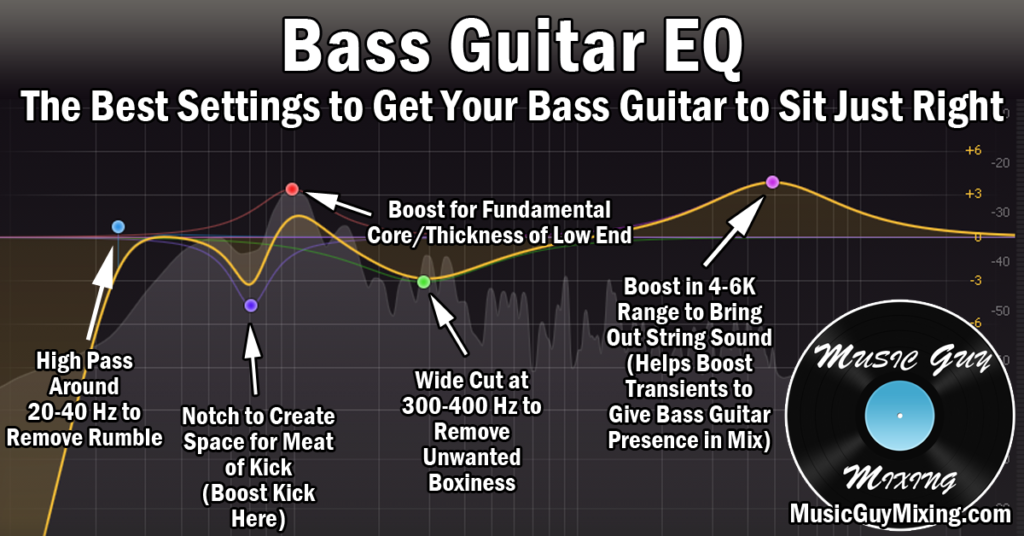
Note that saturation isn’t a replacement for EQ in most cases and you can and should still EQ your bass. I actually like to insert an EQ for my bass ahead of the saturation so I can carve and contour the perfect tone which I then finish correcting (frequency-wise) with saturation.
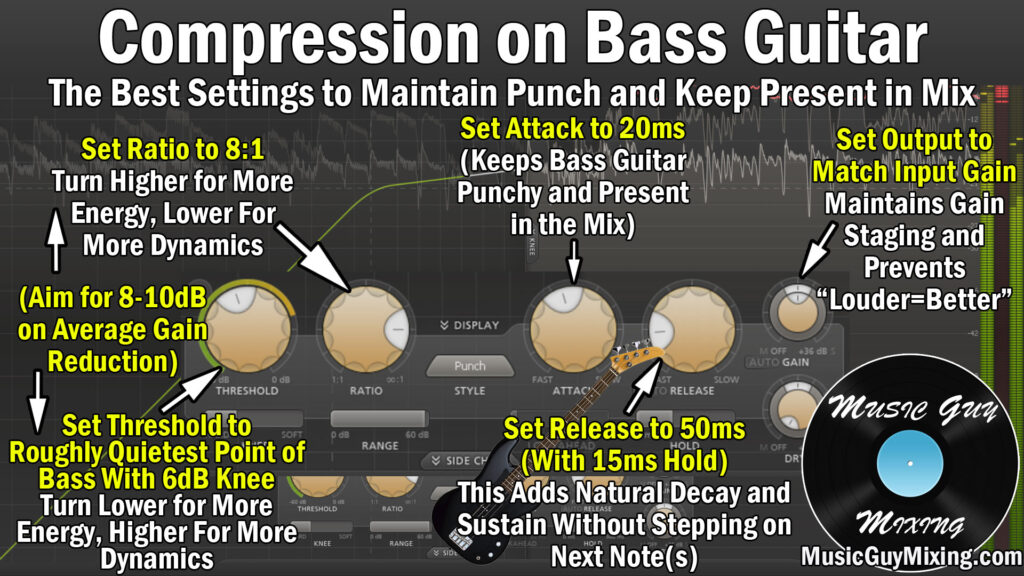
Incidentally, refer to my complete overview on how to mix bass for my recommended processing chain I use every time I work on the musical anchor of the entire mix that is the bass.