
We always want the cleanest audio in the recording stage. This applies equally to laying down some vocal tracks or recording speech for a podcast, video, etc. One of simplest keys to attaining clean audio is to mitigate the plosive sounds, meaning those spikes in the 150Hz range on a voice when it enunciates a “P” consonant. These low frequency pops originate from the fast, concentrated breaths of air associated with that consonant. Aside from being mindful when pronouncing a “P” consonant, you can use what is a pop filter to catch those breaths and mitigate their effect on the microphone itself.
With that in mind, let’s talk how to use a pop filter whether you’re recording singing or speaking.
How to Use a Pop Filter
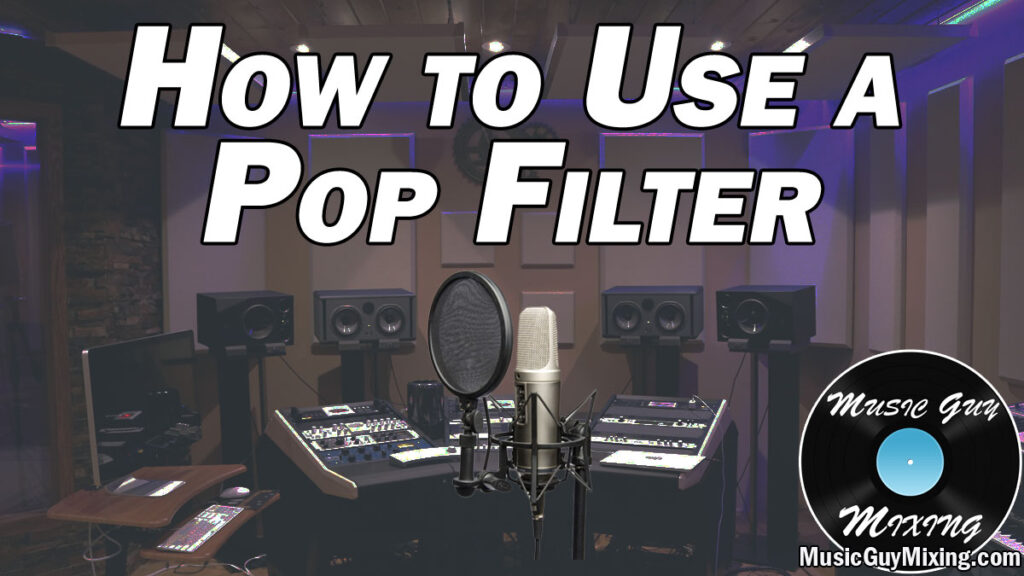
There are a couple different types of pop filters. Depending on the kind of audio you’re recording, you might want to use one or the other.
When you’re speaking, you tend to get closer to a microphone than you would when you’re singing. This is to pick up the fullness of the lower register in the voice which adds a bit of gravitas or weight to your voice.
In that case, a lot of podcasters and people in the industry opt for a microphone cover as a pop filter which slips over the microphone itself, like the popular Shure SM7B:

Doubling as a wind screen, microphone covers allow you to get right up on the microphone to fully capture that lower range.
Alternatively, you have the more conventional clip on pop filter which attaches to the microphone stand which is more for vocals:

Pop filters typically clamp on to the microphone stand firmly so that the clamp is locked in place. This allows you to stretch and adjust the malleable “neck” of the pop screen to put the screen in front of the microphone.
The best spot for a pop screen relative to a microphone for vocals is roughly 3-6 inches away:

This is an ideal distance to catch the unwanted artifacts associated with singing or the voice in general.
Plosives in particular are handled well with this configuration; the pop screen coupled with the added distance largely dulls the breaths by the time they hit and are captured by the microphone. Any plosives which are caught at that point are typically just the normal sounds associated with recording or hearing “P” consonants.
If you are working in a genre in which the vocals can benefit from a more closed distance between pop screen and microphone like in the case of doing rap vocals where you want more of that weight associated with the low end of the vocal, you can move the pop screen within an inch of the microphone – basically getting it as close as you can without it touching the microphone.
If plosives are still an issue, you might try pairing a pop screen with a microphone cover to split the mitigating effect.
Of course after all of this if you’re still having an issue with plosives to the point that it’s distracting or you’re working with a vocal or voice track which has existing plosives, refer to my guide on how to remove vocal plosives to easily ensure that the low end of your vocal or voice is clean.
Also check out my EQ tips both on how to EQ a voice for spoken word as well as how to EQ vocals to get either sounding their best and cleaning up every issue through EQ after you’ve recorded them.

